Start mid-session
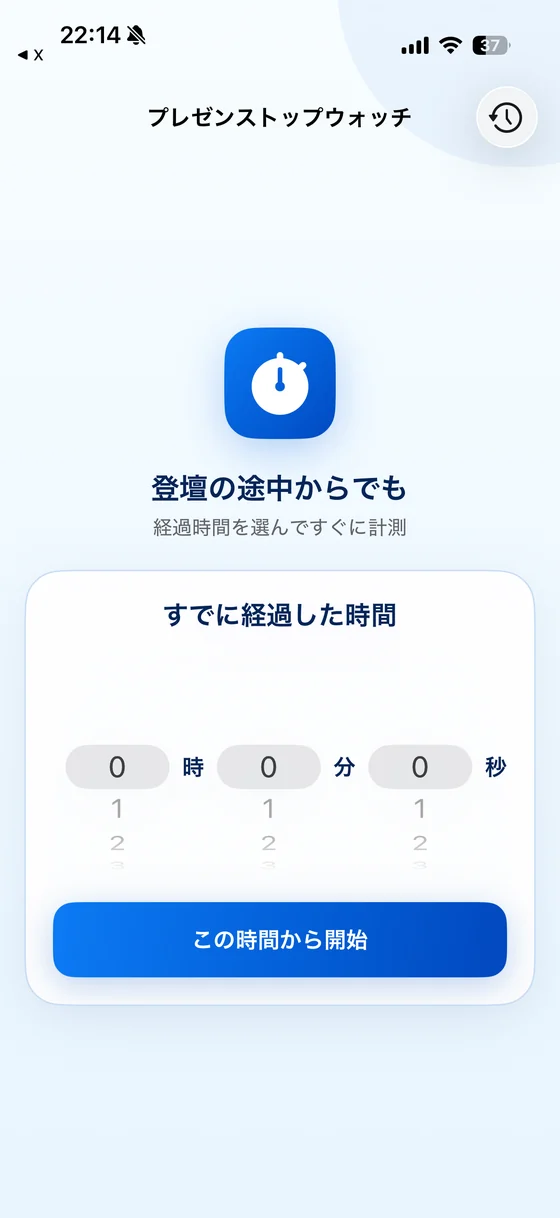
Specify elapsed time and count up from that point.
Presentation Stopwatch
Set the hours, minutes, and seconds that have already passed, then count up from there. It also works as a clean regular stopwatch for talks, meetings, seminars, and rehearsals.
Core value
Choose the elapsed hours, minutes, and seconds, then start counting up immediately from that point. No need to restart the presentation or mentally add missing minutes.
Specify elapsed time and count up from that point.
Start from zero when you are ready before the talk begins.
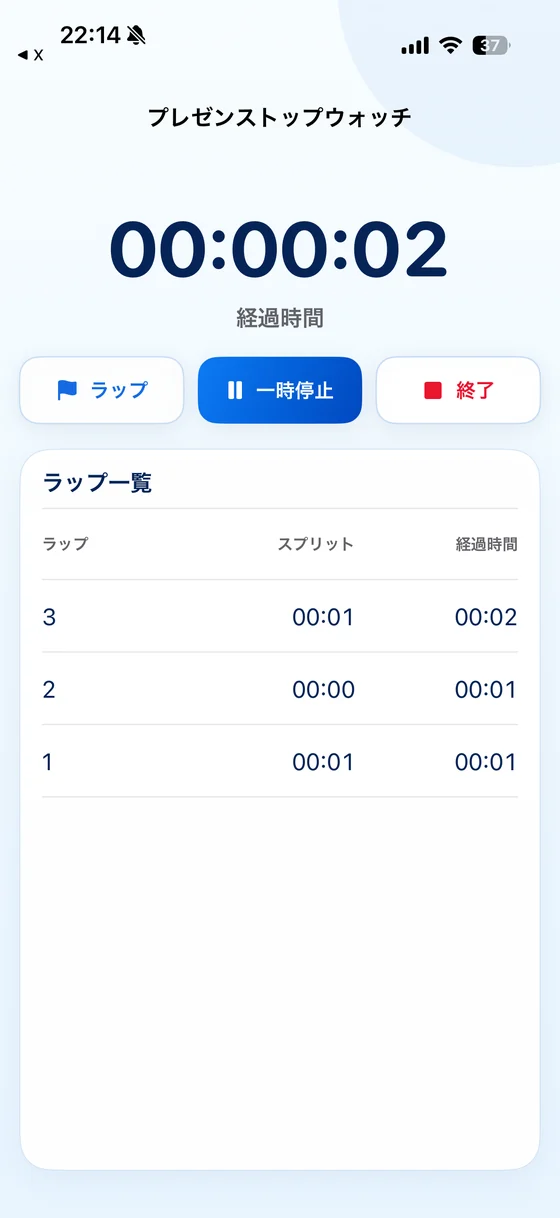
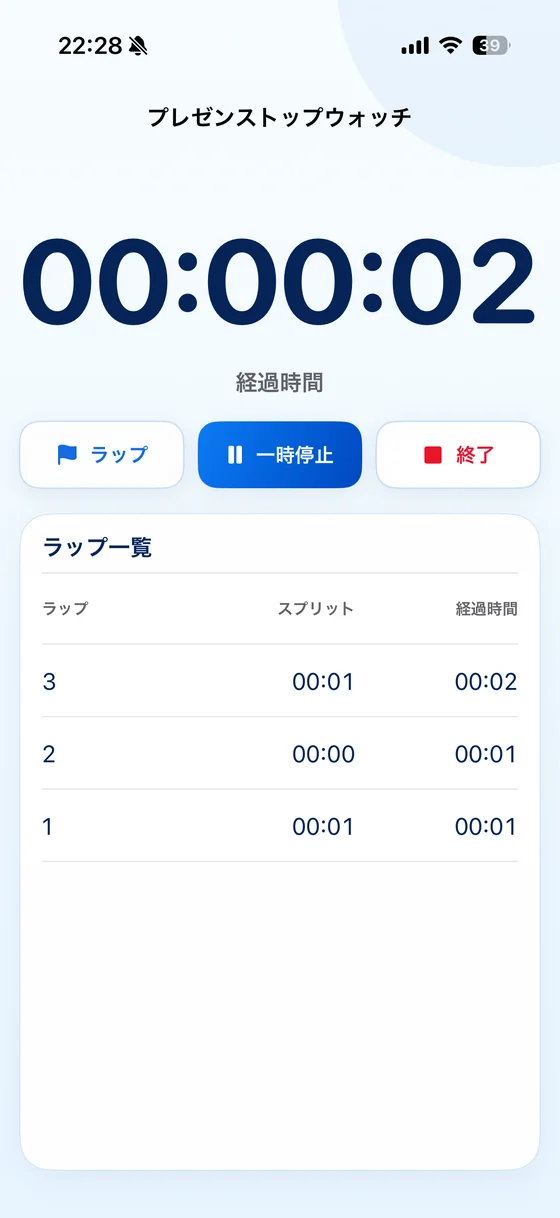
Capture section changes, demos, Q&A, and rehearsal checkpoints.
Finished sessions are saved to history automatically.
Timing can continue in the background and restore after relaunch.
Use it without sign-in, ads, or advertising tracking.
The app uses Firebase Analytics for usage analytics. Recorded times and lap details are not sent as analytics parameters.
Presentation Stopwatch
Notice the missed start
Set elapsed time
Continue counting up
Privacy policy, terms of use, and support pages are available in every supported app language.